How Temporary Email Works: Complete Beginner's Guide (2026)
How Temporary Email Works: A Complete Guide to Disposable Email Services
Introduction
Temporary email services have become increasingly popular among internet users who want to protect their privacy, reduce spam, and register for online services without exposing their personal email addresses.
But how does a temporary email actually work?
In this guide, we'll explain the technology behind temporary email services, how messages are received, and why millions of users rely on disposable email addresses every day.
What Is a Temporary Email?
A temporary email, often called Temp Mail, Disposable Email, or Burner Email, is a short-term email address that allows users to receive messages without creating a permanent email account.
Unlike traditional email providers such as Gmail or Outlook, temporary email services do not require registration, passwords, or personal information.
Users can instantly access a temporary inbox and receive emails within seconds.
How Does Temporary Email Work?
The process is surprisingly simple.
Step 1: Generate a Temporary Email Address
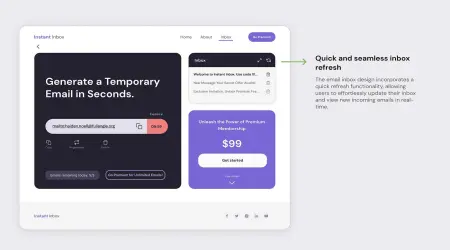
When a user visits a temporary email website, the system automatically creates a random email address.
For example:
This address is linked to a temporary inbox stored on the provider's servers.
No account creation is required.
Step 2: Use the Email Address Online
The generated email address can be used anywhere an email is required, including:
- Website registrations
- Free trials
- Software downloads
- Online forums
- App signups
- Verification processes
The website sending the email has no idea that the address is temporary.
Step 3: Email Is Delivered to the Mail Server
When a service sends a message to the temporary email address, the email travels through the internet using standard email protocols.
The process is similar to traditional email delivery:
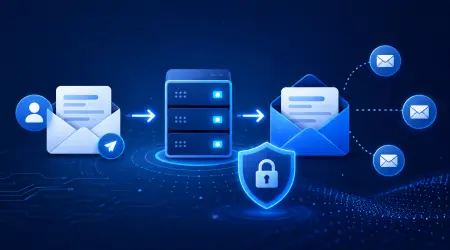
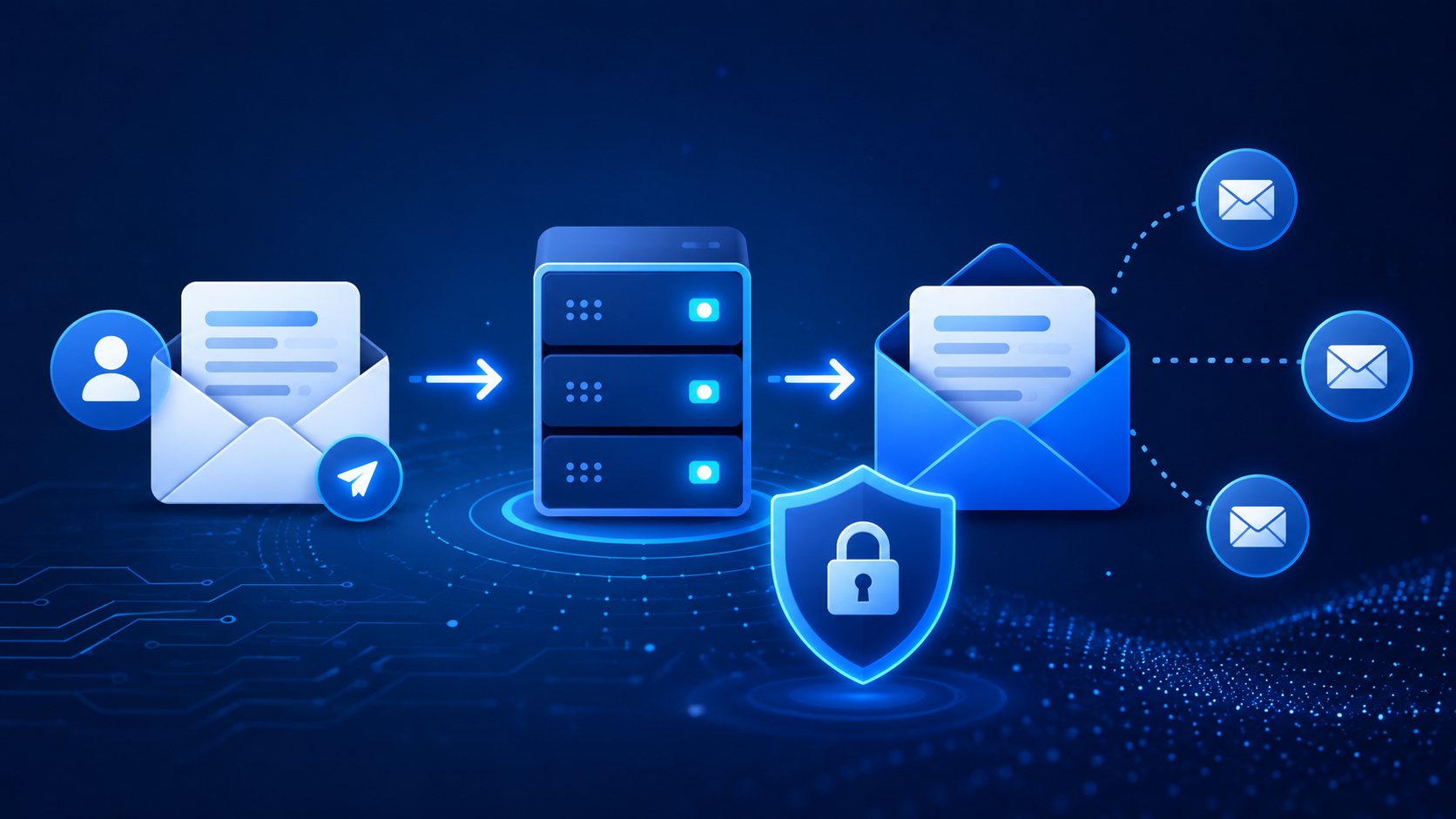
Sender → Mail Server → Temporary Email Server → Inbox
The temporary email provider receives and stores the message temporarily.
Step 4: Messages Appear in the Inbox
The inbox refreshes automatically and displays incoming messages.
Users can:
- Read email content
- Open verification links
- Copy activation codes
- View sender information
Most temporary email services provide real-time updates.
Step 5: Automatic Deletion
After a certain period, the email address and all associated messages are automatically deleted.
Depending on the provider, inboxes may remain active for:
- 10 minutes
- 1 hour
- 24 hours
- Several days
This automatic expiration helps maintain privacy and reduces storage requirements.
Behind the Technology
Temporary email services operate using real mail servers capable of receiving messages from external domains.
Key components include:
Mail Exchange (MX) Records
MX records tell the internet where emails for a domain should be delivered.
For example:
example-tempmail.com
may point to a dedicated mail server that handles incoming messages.
Email Storage
Incoming emails are stored temporarily in a database or memory cache.
Unlike traditional providers, storage is designed for short-term retention.
Web Interface
Users access their inbox through a browser-based interface.
This interface retrieves messages directly from the mail server and displays them instantly.
Why Temporary Email Services Expire
Temporary email providers intentionally delete messages after a set period because their primary purpose is short-term communication.
Benefits include:
- Better privacy protection
- Reduced server costs
- Less spam accumulation
- Increased anonymity
Once deleted, messages usually cannot be recovered.
Advantages of Temporary Email
Enhanced Privacy
Your personal email address remains hidden.
Spam Prevention
Marketing emails never reach your primary inbox.
Fast Registration
No signup process is required.
Anonymous Usage
Users can receive emails without revealing personal information.
Free Access
Most temporary email services are completely free.
Limitations of Temporary Email
Despite the benefits, temporary email services have limitations.
No Password Recovery
If the inbox expires, access is permanently lost.
Not Suitable for Important Accounts
Critical services such as banking or business communication should use permanent email addresses.
Some Websites Block Temp Mail
Certain websites detect and reject disposable email domains.
Limited Message Retention
Emails are deleted automatically after expiration.
Common Use Cases
People use temporary email services for:
- Testing websites
- Receiving verification codes
- Signing up for free trials
- Avoiding marketing spam
- Creating secondary accounts
- Software development testing
- Quality assurance workflows
Is Temporary Email Safe?
Yes, temporary email services are generally safe when used for non-sensitive activities.
However, users should avoid using temporary email addresses for:
- Banking
- Government services
- Healthcare accounts
- Important personal accounts
Because messages may become inaccessible after expiration.
Conclusion
Temporary email services work by generating disposable email addresses connected to temporary inboxes. When emails are sent to these addresses, they are received by the provider's mail servers and displayed through a web interface.
By automatically deleting messages after a certain period, temporary email services provide a simple, effective way to protect privacy, reduce spam, and streamline online registrations.
For anyone looking to keep their primary inbox clean and secure, temporary email remains one of the most useful privacy tools available today.